A new folder has been made available, in order for you help train and upgrade the skills of printer operators for the Mutoh DTO (Direct To Object) Printers (VJ-426UF, VJ-626UF, XPJ-461UF & VJ-661UF).
It contains everything to get started (latest drivers and software) combined with sample images and 9 video tutorials. This enables a printer operator (or technician) to do self-study and to test his skills using our specially selected sample images. At the same time, it can serve as a support material to demonstrate all the special features of the DTO machines, combined with our new software tools.
With this folder, you should be able to provide the perfect demo / training for any of your new or existing clients!
You can watch or download the complete folder content via this <Link>
1. Lens Effect for Illustrator
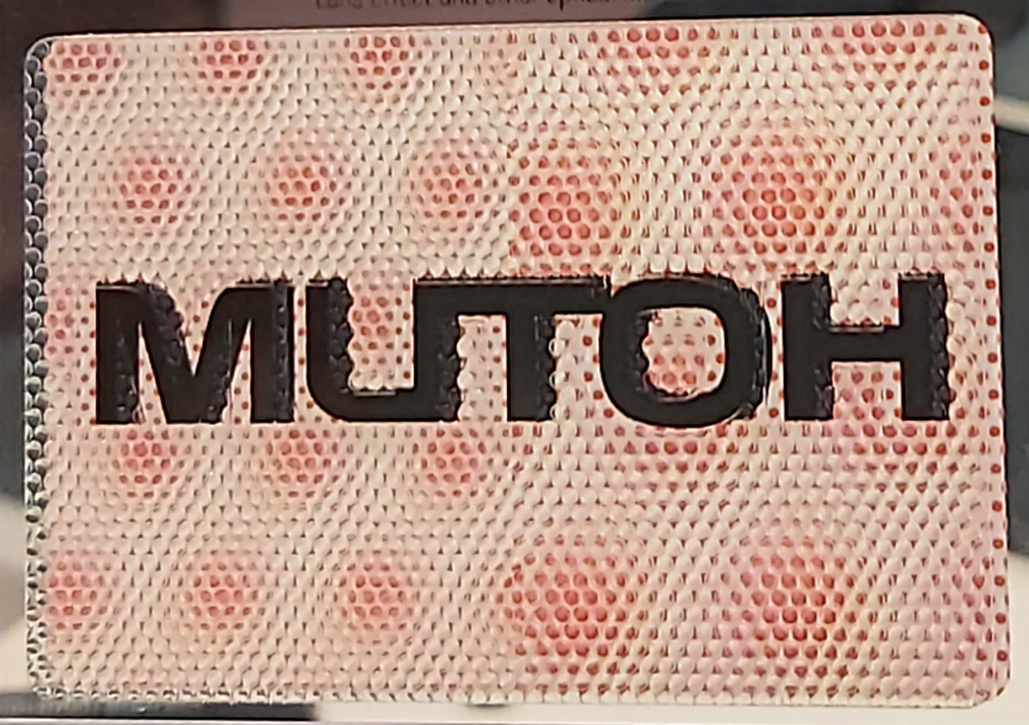 | Inside this folder, you will find Illustrator swatches and a 2-page PDF that explains how to prepare your design in order to get this special effect, with the special print settings that are needed. Note : in the spool sample kit 661 there is a premade example for your convenience! |
2. Printable Rulers
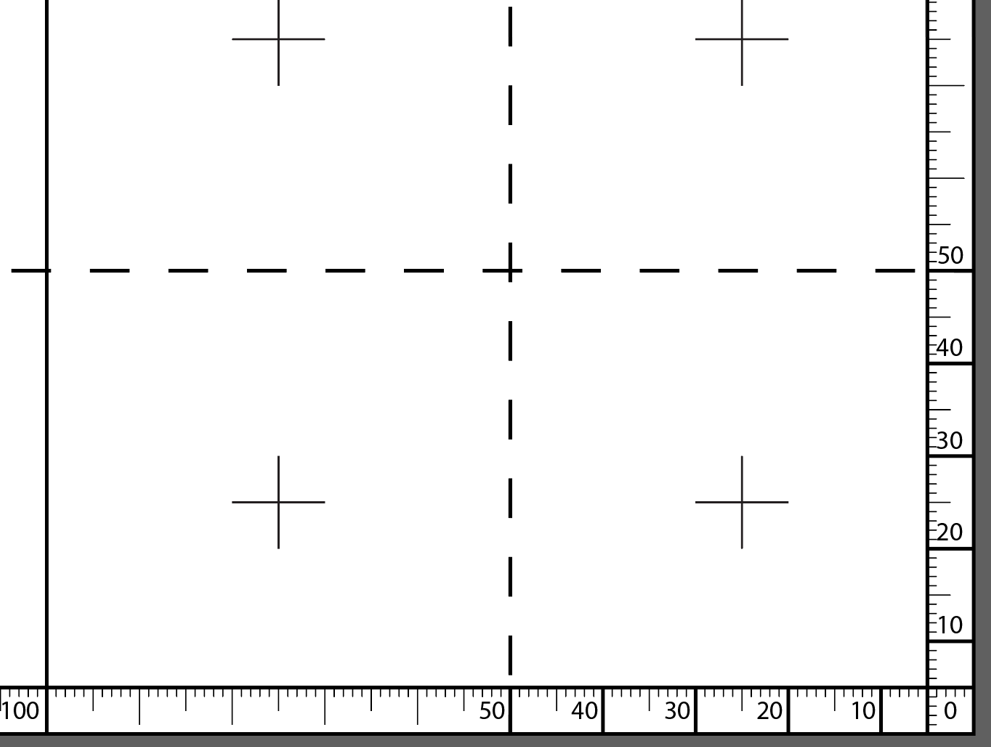 | Rulers to print on the table of the machine, in order to position your objects. Print these rulers with White Ink only, directly on the printing bed, and afterwards you can place objects on the ruler lines, in order to have exact positioning. |
3. Sample Images
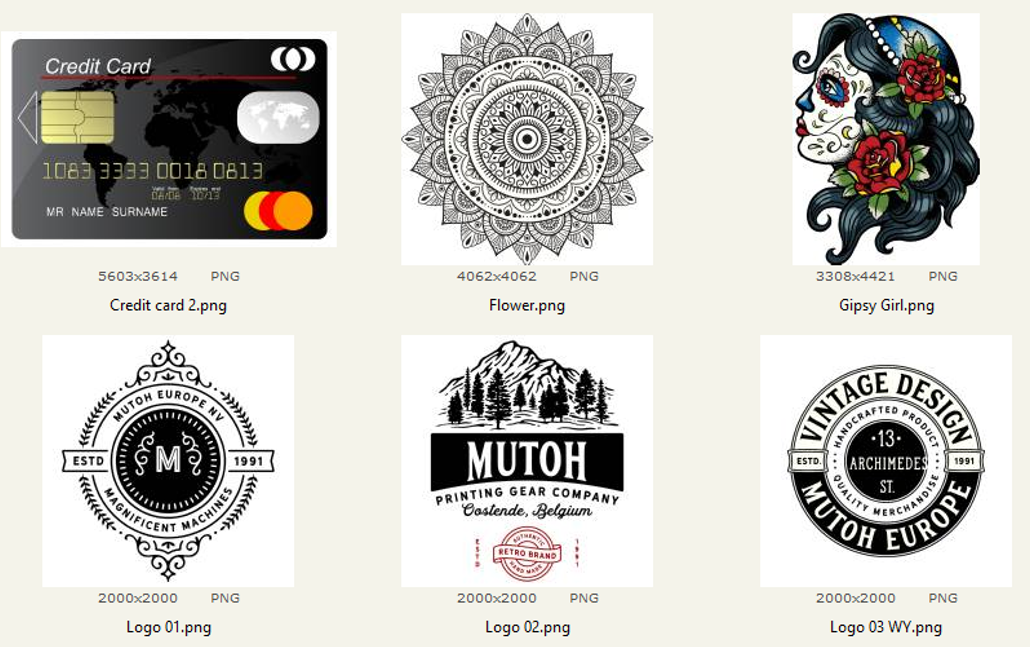 | Images used in the training sessions, and in the Video trainings (which are also available from Mutoh Europe’s YouTube channel). Ideal for testing the standard Mutoh in the box software workflow and also a good starting point to train the machine operator. Extra : In the variable data 661 you get sample images that demonstrate the use of variable data with Mutoh’s Layout Tool (text linked to text file, which can be applied automatically to 1 layout, in order to create multiple personalized sets of that specific layout. |
4. Software and Manuals
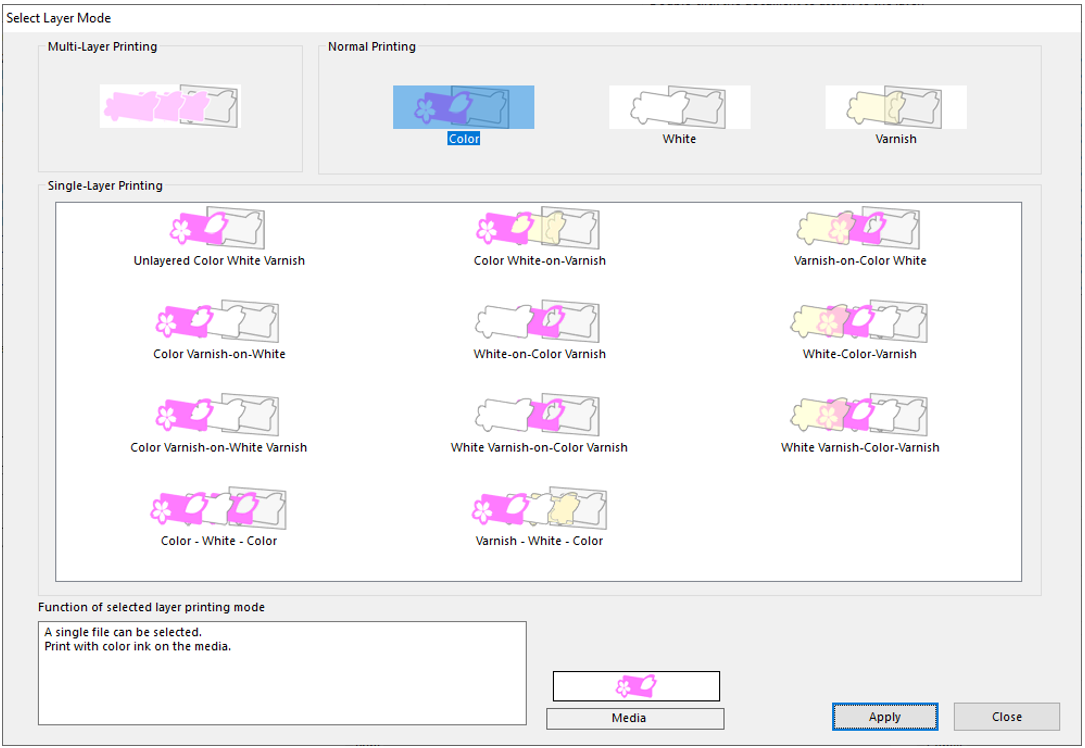 | All software since March 2020, with the PDF manuals for the Mutoh Object Printers (461-661). This includes the MLE (Mutoh Layer editor, previous ValueJet Layer Editor VLE), the Windows system drivers, and the Layout and Print Tool 2 which can be used to position images and assign ink channels to different layers. Extra : Some useful non-mutoh software which can be handy for printer operators. |
5. Spool XPJ-661UF
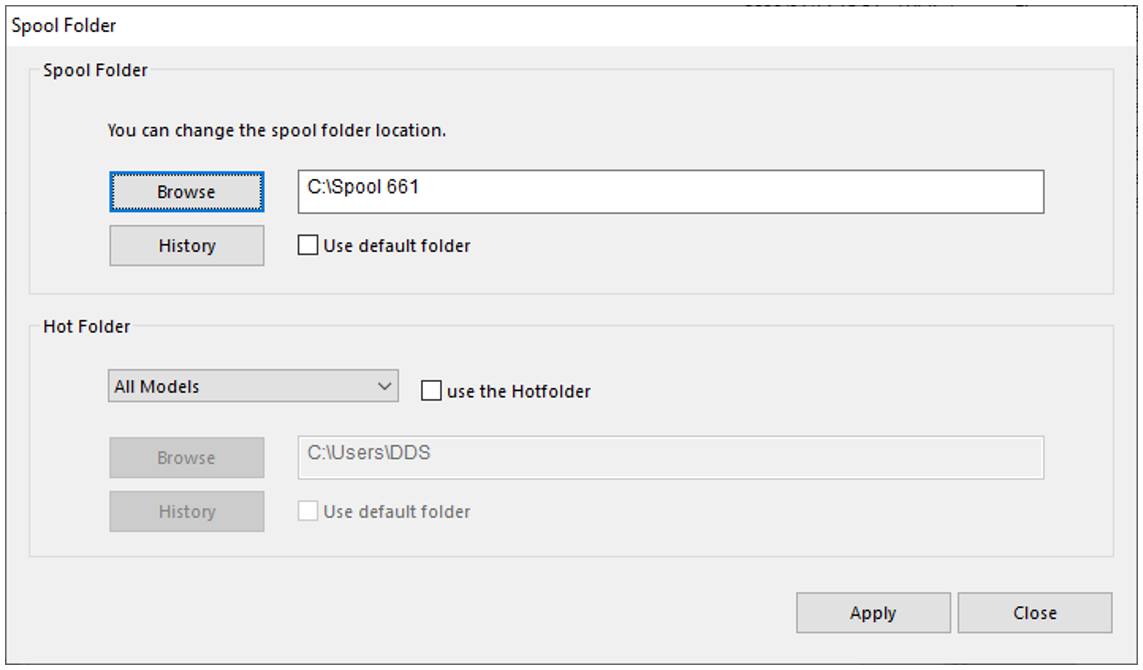 | Preripped files that are used in the Video training. Copy all files in "C:\Spool 661" in order to use (other paths will not work for the layer sets, since the path name is inside the xml). |
6. Triptych Sample Kit XPJ-661UF
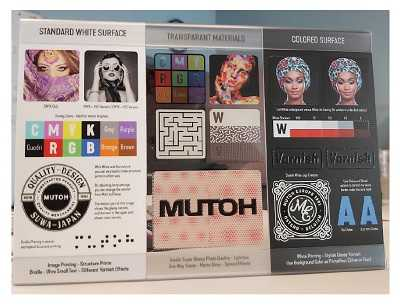 | Preripped files which you can use to reproduce the special Mutoh Sample (white-transparant-black 3mm, 70x145mm each) + Instruction PDF on how to make these samples yourself + Scanned Sample + Original illustrator files + Info about the final print. Copy all files in "C:\Spool Sample Kit 661" in order to use (other paths will not work for the layer sets, since the path name is inside the xml) |
7. Training Movies
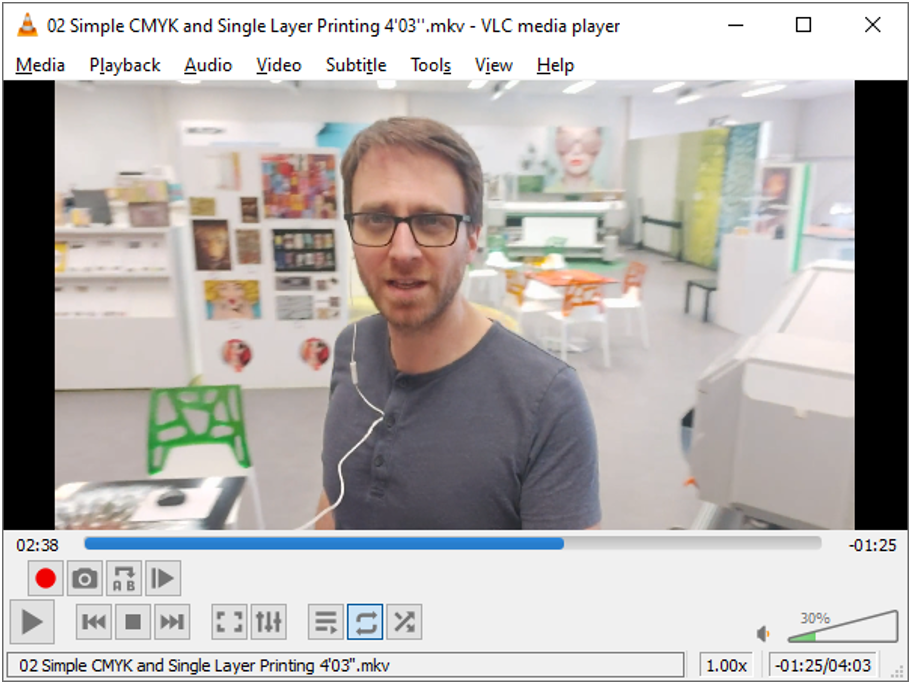 | Video lessons that show how to use the software, create white and varnish, control the layer order, etc ... These movies are also features on Mutoh Europe’s YouTube channel.
Every movie is also accompanied by a PDF that gives you a short overview of the functions which are explained in the movie. |
8. Variable Data XPJ-661UF
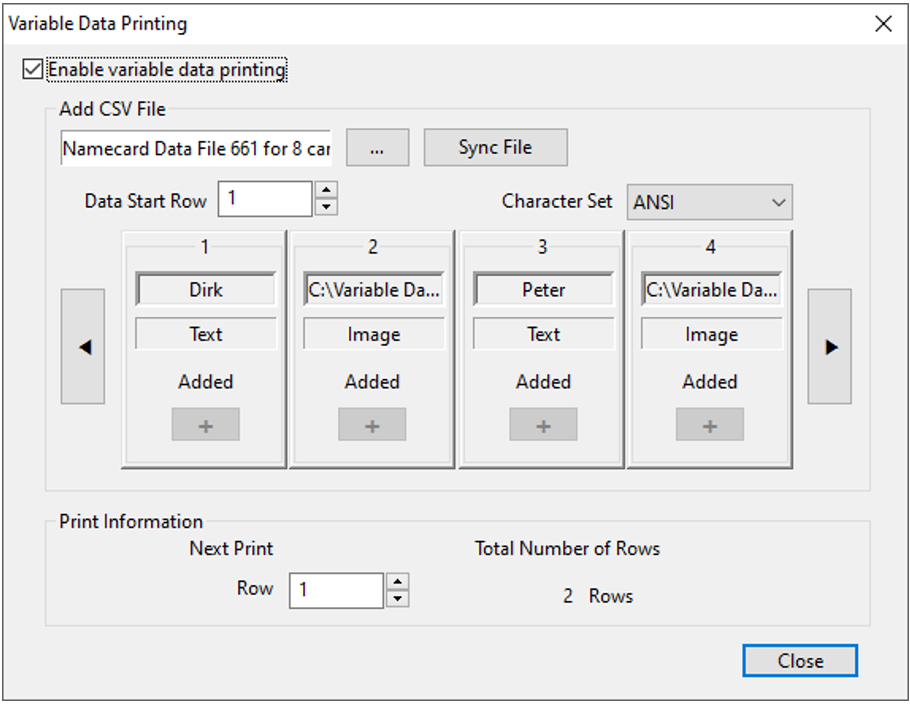 | Examples of Variable Data, a new function in the latest version of the Mutoh Layouttool2 software. You will find here examples of Layout files, an example of some variable data text files, and a jig layout for standard PVC name cards. |
The content of this folder is subject to change without prior notice.
All content is reserved for Mutoh Distributors only. All image data are intended for the promotion of Mutoh equipment only.
Was this article helpful?
That’s Great!
Thank you for your feedback
Sorry! We couldn't be helpful
Thank you for your feedback
Feedback sent
We appreciate your effort and will try to fix the article