Symptoms
- In some rare cases it can occur that the aspect ratio during printing is not correct, resulting in a height that is approximately 2/3rd of the width. The image is distorted.
This issue might possibly occur specifically in the print mode 605 x 600 - 6Pass: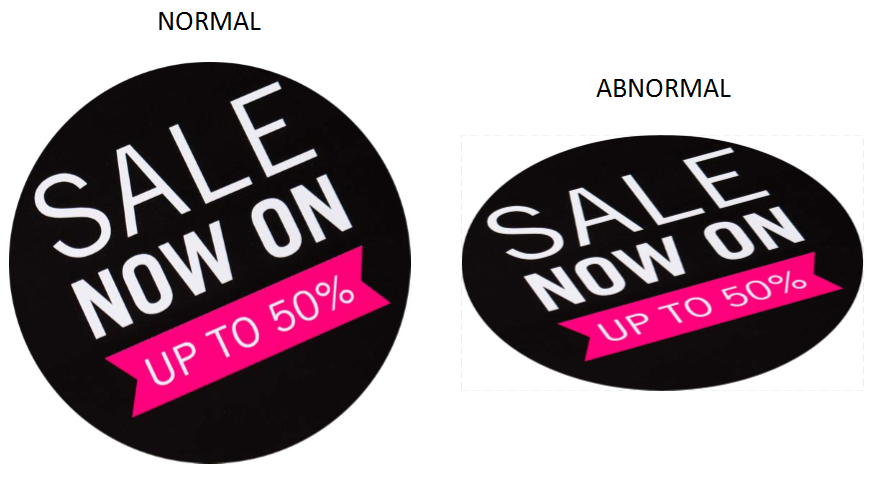 All other print modes with 2/4/8/12/16 Pass and 605x900 6Pass should work just fine.
 - Another issue that may randomly occur is the error message "Failed to Init Mask" in the software's UI:
Solution
The image distortion and the error message can be resolved by downloading and installing the compatible Microsoft Visual C++ DLL library framework for PJ-2508UF on the controller PC.
You can download these files over here: VC9 Library update link
| IMPORTANT NOTE If you were experiencing the "Failed to Init Mask" and you install this VC9 library in order to fix the issue, check if the color-output settings are still ok. There is a possibility that the output color profile needs to be revised after the fix. |
Was this article helpful?
That’s Great!
Thank you for your feedback
Sorry! We couldn't be helpful
Thank you for your feedback
Feedback sent
We appreciate your effort and will try to fix the article